

Best Free Design Tools in 2026: Create Professional Graphics Without Spending a Dollar
By the OneGizmo Team | Technology
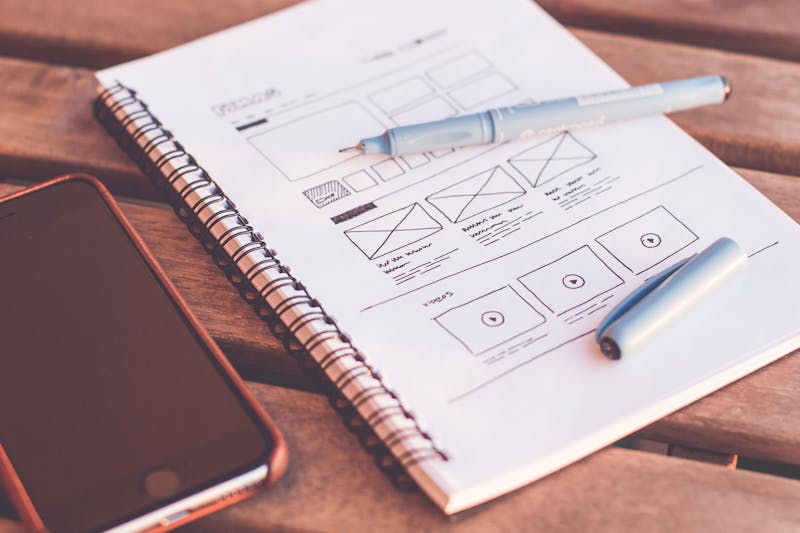
Professional design used to require expensive software, formal training, and years of practice. In 2026, that's no longer true. A new generation of free design tools has made it possible for anyone — entrepreneurs, content creators, students, and small business owners — to create stunning visuals without spending a single dollar.
Whether you need a logo, social media graphic, presentation, video thumbnail, or website mockup, there is a free tool that can handle it. Here are the best ones available right now, what they do best, and how to use them effectively.
1. Canva — The All-in-One Design Platform
Canva is the world's most popular free design tool — and for good reason. With thousands of professional templates for social media, presentations, posters, logos, and more, Canva makes it possible to create polished visuals in minutes. Its drag-and-drop interface requires no design experience, and the free plan includes access to an enormous library of templates, images, and elements.
In 2026, Canva's free tier also includes AI-powered features like background removal, text-to-image generation, and Magic Write for auto-generating text content. For most non-professional design needs, Canva's free plan is more than sufficient.
Best for: Social media graphics, presentations, marketing materials, logos, thumbnails.
2. Adobe Express — Professional Quality for Free
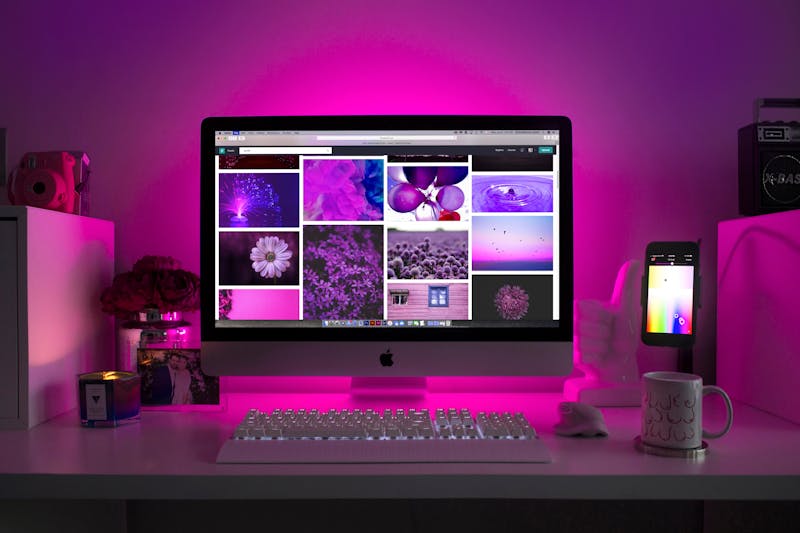
Adobe Express (formerly Adobe Spark) brings Adobe's design quality to a free, browser-based platform. It offers templates for social media, flyers, web pages, and short videos. The free plan includes access to thousands of Adobe Stock images and Adobe Fonts — a significant advantage over other free tools.
If you want the visual quality associated with Adobe products without paying for the Creative Cloud subscription, Adobe Express is the answer.
Best for: Branded content, social media, flyers, short promotional videos.
3. GIMP — The Free Photoshop Alternative
GIMP (GNU Image Manipulation Program) is a powerful, open-source image editor that rivals many paid tools. It handles photo retouching, image composition, color correction, and complex graphic editing. While it has a steeper learning curve than Canva or Adobe Express, GIMP rewards the investment — it gives you full professional-grade control over every pixel.
For anyone who needs to do serious photo editing without paying for Adobe Photoshop, GIMP is the industry-standard free alternative.
Best for: Photo editing, image retouching, complex graphic manipulation.
4. Figma — Professional UI and Web Design
Figma's free plan is one of the most generous in the design industry. It allows you to create up to three projects with full access to Figma's vector design tools, collaboration features, and component libraries. Originally built for UI/UX design, Figma is increasingly used for all kinds of visual work — from wireframes to presentations to brand identity systems.
The real power of Figma is its collaboration feature — multiple people can work on the same design file simultaneously, making it the ideal tool for teams.
Best for: Website design, app mockups, UI/UX, collaborative projects.
5. Pexels and Unsplash — Free Professional Photography
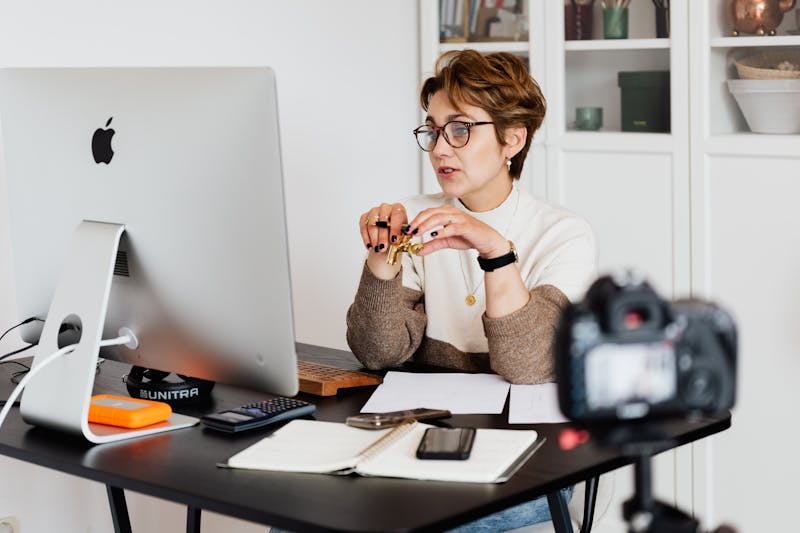
No design is complete without great photography. Pexels and Unsplash offer hundreds of thousands of high-resolution, professional photos available for free — including for commercial use. Both platforms are searchable by keyword, style, and color, making it easy to find exactly the visual you need.
Unlike Google Images, photos from Pexels and Unsplash come with clear licensing that allows you to use them freely in any project without attribution required (though it's good practice to credit the photographer).
Best for: Blog images, website backgrounds, marketing materials, social media.
6. Remove.bg — Instant Background Removal
Remove.bg uses AI to remove image backgrounds in seconds with impressive accuracy. The free version processes images at standard resolution, which is perfect for web use. This tool is invaluable for creating product photos, profile pictures, or any image that needs a clean, transparent background.
Best for: Product photography, profile pictures, transparent PNG creation.
7. Google Fonts — Professional Typography for Free
Typography is one of the most underrated elements of design. Google Fonts offers over 1,400 professional typefaces, all completely free for personal and commercial use. Finding the right font combination can transform an ordinary design into something that feels polished and intentional.
A simple rule for beginners: pair one sans-serif font for headings with one serif or complementary sans-serif for body text. Google Fonts' pairing suggestions make this easy even without formal typography training.
Best for: Web design, presentations, branded content, any project requiring professional typography.
Building a Free Design Workflow
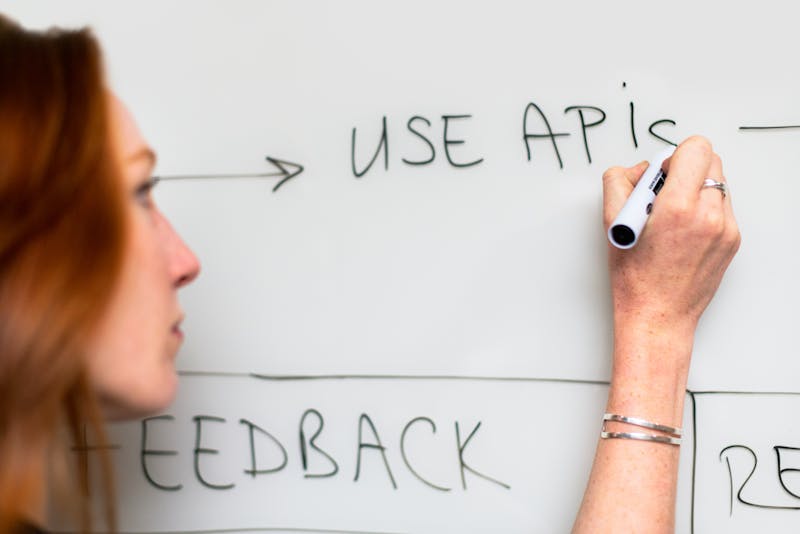
The most effective approach is to combine these tools based on your specific needs. A practical free design workflow for 2026 might look like this: find your images on Pexels → remove backgrounds with Remove.bg → build your design in Canva → use Google Fonts for typography → export and share. This entire workflow costs nothing and produces professional-quality results.
Final Thoughts
The barrier to professional design has never been lower. The tools available for free in 2026 would have cost thousands of dollars per year just a decade ago. The only thing standing between you and great visual content is learning how to use them.
Pick one tool from this list today and spend 30 minutes exploring it. Design skill, like any skill, builds through practice — and the best time to start practicing is right now.